

Payment links in WhatsApp and on calls, paid into your own account
The AI sends the checkout link, the customer pays on your store, the order turns paid in your inbox. The money goes straight to your account. We take zero commission.
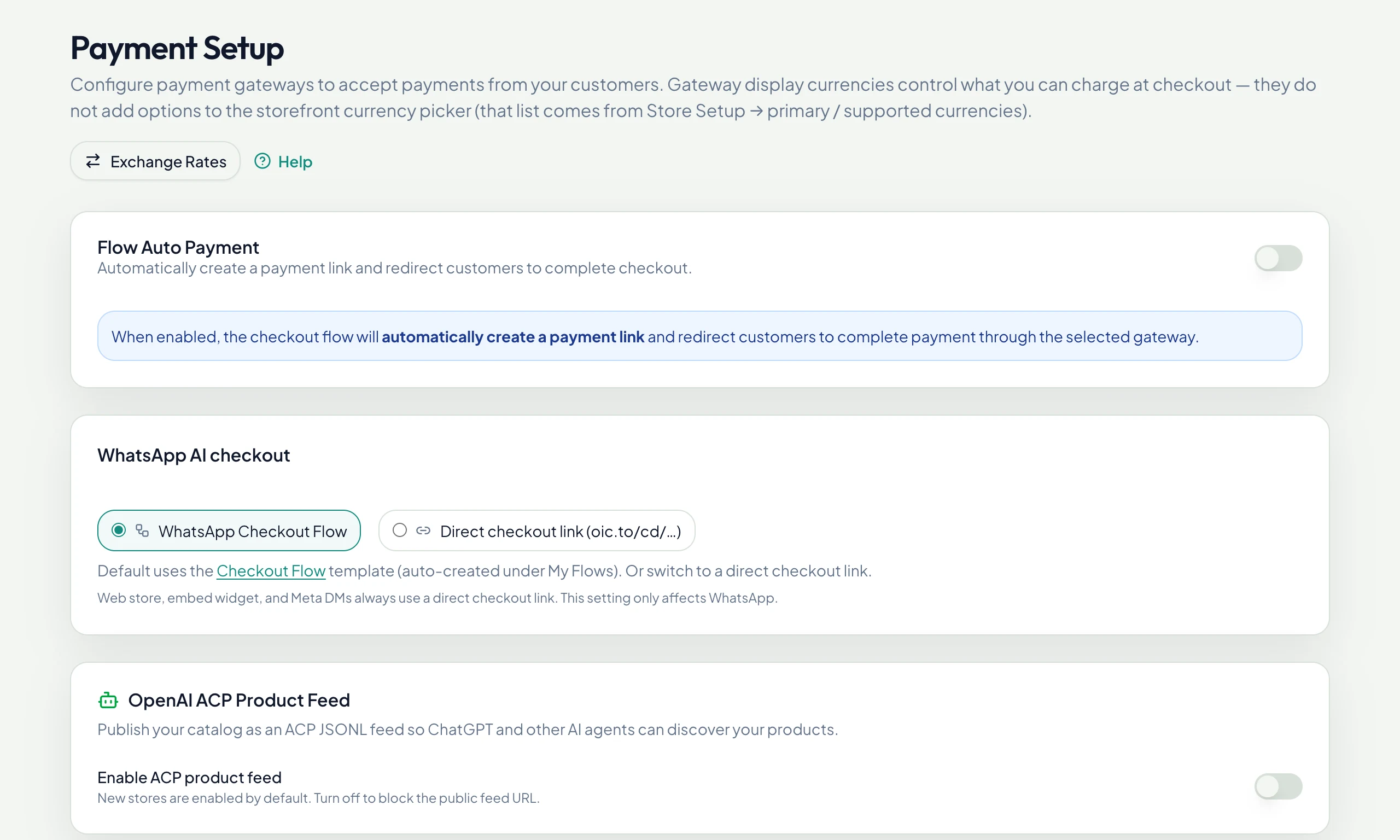
Choose how customers check out
Pay Any Way
Stripe, PayPal, iyzico and bank transfer, with prices shown in the shopper’s currency.
Stripe
Cards and wallets worldwide.
PayPal
PayPal checkout for shoppers who prefer it.
Bank transfer
Customers get your IBAN and instructions; the order stays pending until you mark it paid.
Invoices and accounting after every payment
Paid status everywhere
The order turns paid in the inbox and in Orders, with channel, provider and a PDF invoice.
Books that keep themselves
Connect Xero, QuickBooks Online or Zoho Books and every paid order becomes an invoice there.
Read in Help →Deposits for bookings
Require a deposit when a booking is made; the link goes out in the same chat or call.
Read in Help →Books That Keep Themselves
Paid orders become invoices in Xero, QuickBooks Online or Zoho Books.
Payment questions
Who receives the money?
You do. Payments go straight to your own payment provider account (Stripe, PayPal), or to your bank account for transfers.
Does OrderInChat charge a fee per sale?
No. Your payment provider charges its own fees; we take no commission.
Can customers check out without leaving WhatsApp?
Yes. A WhatsApp Checkout Flow collects contact details, delivery and the payment choice inside WhatsApp, using your live stock and shipping rates.
Answer every customer in seconds, starting today
Connect a channel, import your catalog, switch the AI on. Most stores take their first order in the chat the same day.